 AI Prompts
Your prompt library for ChatGPT, Claude, and more
Save the lines that work, add tags and folders, then insert them in AI chats with one click or a simple slash‑menu.

Available in the
Chrome Web Store
AI PromptsSave the lines that work, add tags and folders, then insert them in AI chats with one click or a simple slash‑menu.
Available in the
Chrome Web Store
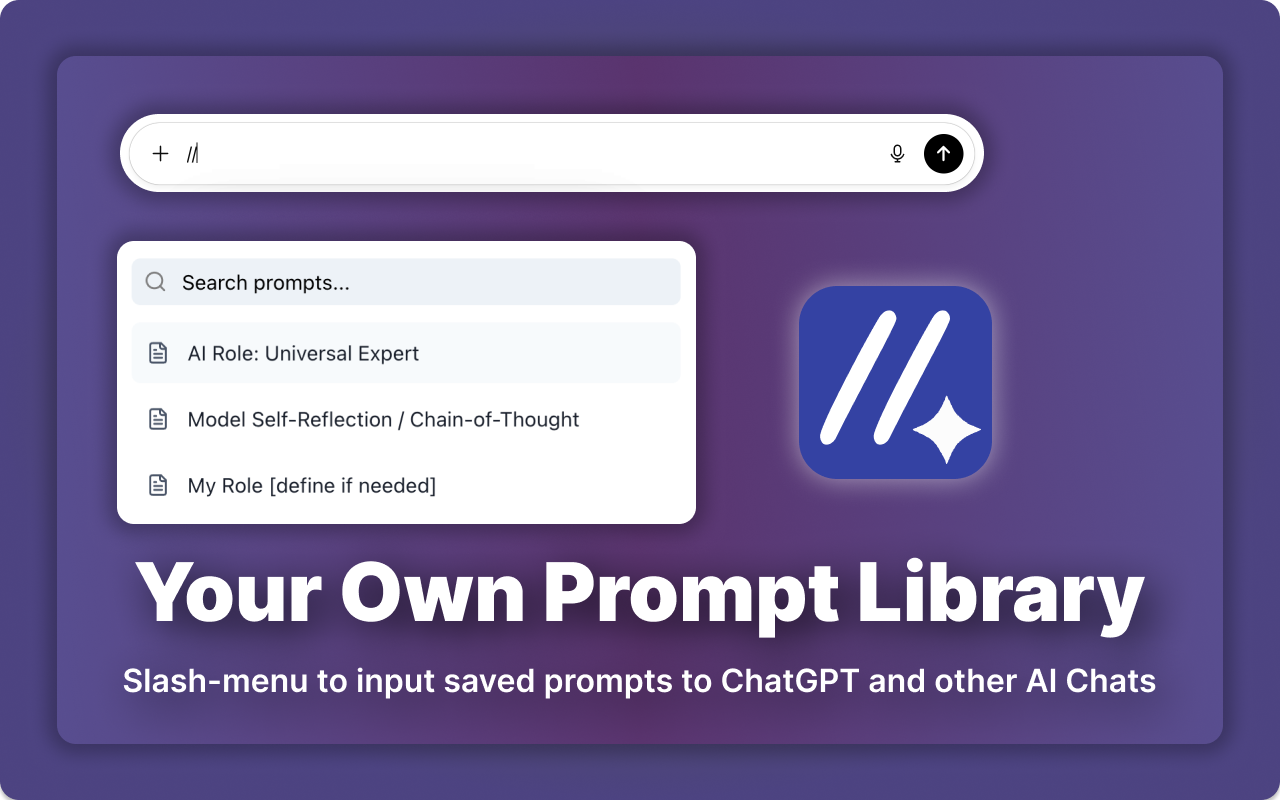
Create once. Use everywhere. Keep it tidy.
Group prompts by topic, tone, and goal. Find the right one fast.
Type “//” to open your library and paste while you write.
Copy to ChatGPT, Claude, and other AI chats in one tap.
Keep your go‑to prompts on top in any tab.
Share collections with your team. Move sets when you change stacks.
It’s your prompt library inside the browser. Save prompts, add tags and folders, and quickly insert them into ChatGPT, Claude, and more.
Use the slash‑menu while you write or click “Copy” to paste into the chat you already use.
Yes. Export and share collections. Keep ownership clear with simple import/export flows.
By default, your data stays in your browser. We avoid noisy collection and design for control.
Ask about features or roadmap — we’ll reply quickly.
Email: ext_master@proton.me
We build calm, practical tools for better writing with AI. AI Prompts helps you keep a clean prompt library, reduce rewriting, and stay consistent across projects and teams.